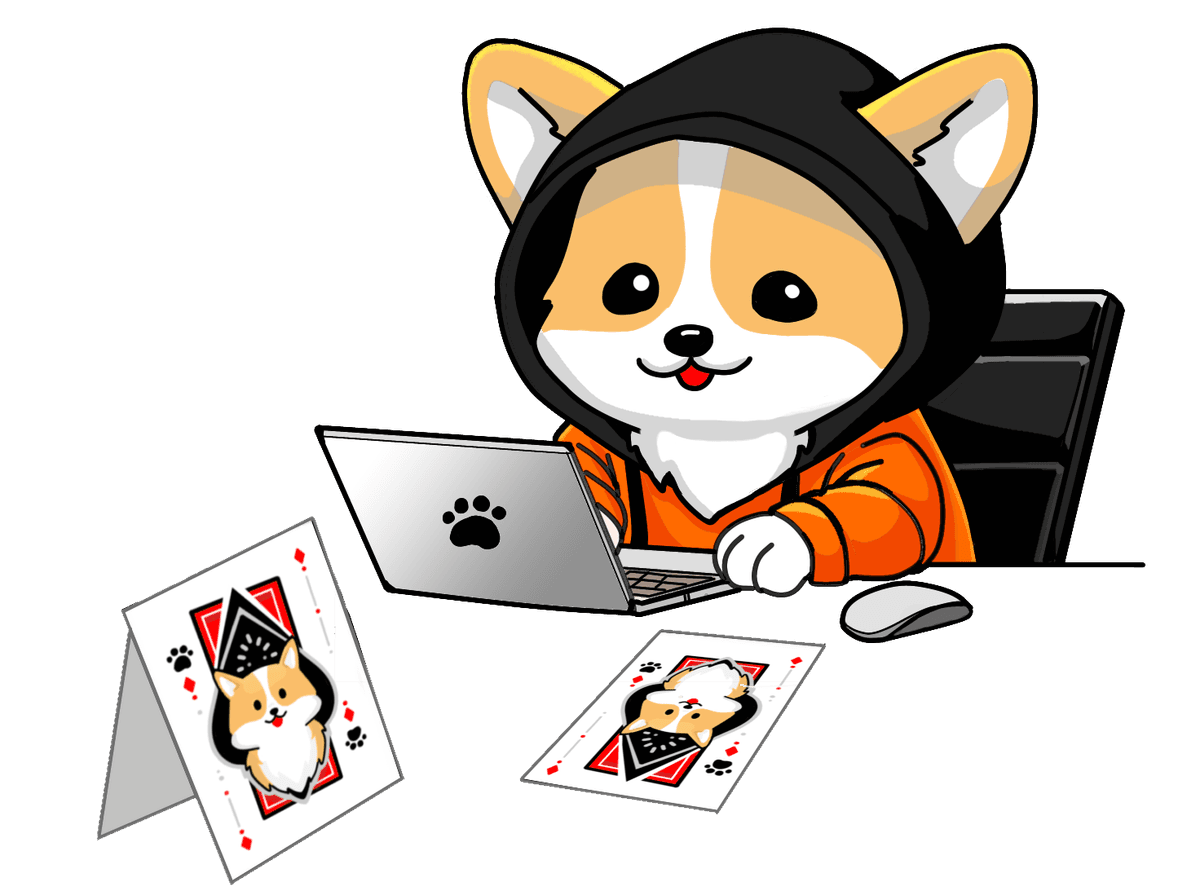
What is Planning Poker?
Planning poker is a consensus-based agile estimation technique used by scrum teams during sprint planning. Each team member privately selects a card representing their estimate for a user story or task — typically using a Fibonacci-like sequence (1, 2, 3, 5, 8, 13…) or T-shirt sizes (XS, S, M, L, XL). Cards are revealed simultaneously to prevent anchoring bias, then the team discusses any large discrepancies before reaching a shared estimate.
The technique was introduced by James Grenning in 2002 and popularised by Mike Cohn in Agile Estimating and Planning (2005). It has since become the de-facto standard for story point estimation across scrum, kanban, and SAFe teams worldwide.
How It Works
Jira Integration
Bring your entire backlog into the room. Search issues, multi-select into a shared queue, vote together, and write story point estimates straight back to Jira — no copy-pasting, no tab switching.
Build your queue from Jira
Search by text, paste a JQL query, or filter by project and sprint. Multi-select up to 200 tickets to build a shared estimation queue — the whole team sees it instantly.
Vote, see scores, and re-vote
The facilitator sets the active ticket. After revealing cards, see the average score and lock in a consensus final score. Need another round? Re-vote any ticket in one click.
Sync estimates back to Jira
Save the consensus estimate to any Jira story points field. An amber badge flags when Jira is out of sync with the final score — click it to update instantly.
As a user, I want to reset my password so that I can regain access to my account
Dashboard redesign
Voting in progress…API rate limiting
Why Use Corgi Planning Poker?
The Story Behind Corgi Planning Poker
Like many agile teams, I started out using whatever free planning poker tools I could find. They worked well... until they didn't. One by one, the features I relied on started moving behind paywalls: session limits, room caps, and even the ability to customize your own point values. For something that's supposed to be lightweight and collaborative, it felt like the wrong direction.
So, I decided to build my own. I wanted a tool that stays free forever, has no artificial limits, and gives teams full control over their card decks. The result is the app you're using right now.
The corgi theme is purely personal. I have a corgi at home named Kimi, and naming a side project after your favorite pup is basically a law of software engineering. Corgi Planning Poker started as a small tool for my own team and has just kept growing from there.
— Raksit, builder & corgi lover
This app will always be free. But if it makes your planning sessions a little more joyful, I'd love it if you'd buy Corgi a treat to reward the real boss (the corgi) behind the scenes!
Frequently Asked Questions
How many people can join a room?
There is no hard limit. Rooms work well for teams of 3 to 20 people. For very large groups, consider splitting into smaller estimation sub-teams.
Do I need to create an account?
No account is required. Every visitor is automatically assigned a unique guest ID so you can create and join rooms instantly. Signing in with Google links that ID to your Google account, which syncs your identity across browsers and devices — so you can resume any recent room from your phone, laptop, or any other device without losing your history. In our experience, removing this barrier is the single most impactful change for teams adopting a new estimation tool.
What card decks are available?
Four preset decks are built in: Fibonacci (1, 2, 3, 5, 8, 13, 21, 34), T-Shirt (XS, S, M, L, XL, XXL), Powers of 2 (1, 2, 4, 8, 16, 32, 64), and Hours (1, 2, 4, 8, 16, 24, 40). You can also create a fully custom deck by entering any comma-separated values. Mark any deck as a favourite and it will be auto-selected the next time you create a room.
Can I watch a session without voting?
Yes. When joining a room you can choose "Watch as spectator" to observe without casting a vote. You can sit down and join the voting at any point during the session.
How long does a room last?
Rooms are automatically removed after 30 days of inactivity. As long as your team uses a room at least once a month, it stays available.
Is Corgi Planning Poker free?
Yes, completely free — no paid plans, no advertisements, no data sold, ever. If it saves your team time each sprint, consider buying Corgi a treat via Ko-fi or GitHub Sponsors. It helps keep the project alive and the corgi fed.
What is the difference between story points and hours?
Story points measure relative effort and complexity rather than clock time. A 5-point story is roughly twice as complex as a 2-point story for your team, but the actual hours vary by person. Using story points removes pressure to commit to specific durations and focuses the conversation on scope and risk instead.
Free & Open Source
Found a bug?
Something not working as expected? Open an issue on GitHub and we'll look into it.
Want to contribute?
The codebase is open on GitHub. Pull requests are welcome — check the repo for guidelines.
Enjoying the app?
This will always be free. But if it saves your team time each sprint, buying Corgi a treat means a lot.
Explore More
Scrum Poker Online
Run real-time scrum poker sessions with your agile team.
Agile Estimation Tool
Estimate user stories collaboratively using proven agile techniques.
Story Points Estimator
Calculate story points as a team with simultaneous card reveal.
Sprint Planning Poker
Make sprint planning faster and more collaborative.
Planning Poker Blog
Guides on agile estimation, Fibonacci scales, and scrum best practices.
Advanced Techniques
Learn how to handle disagreement and break deadlocks like a pro.
Effective Story Points
Best practices for accurate and consistent agile estimation.